Invoice fraud: how payment-detail scams work and how to stop them
A supplier emails to say its bank account has changed. The email looks right, the invoice looks right, and the money goes to a criminal. Here is how the scam works and the few controls that stop it.
- Published
- Reading time
- 2 min read
Invoice fraud does not need any hacking skill on your side to succeed. Someone in accounts receives an email that looks like it came from a supplier they pay every month. It says the supplier has moved banks and gives new details. The next payment goes out as normal, to the wrong account. The FBI's Internet Crime Complaint Center reports business email compromise losses in the billions of dollars every year, more than most other cybercrimes it tracks.
How the scam usually works
- Access or imitation. The fraudster gets into a supplier's mailbox, or registers a lookalike domain (rivet-global.co in place of rivet.global, for example).
- Watching. With mailbox access, they read past invoices and learn names, amounts and timing.
- The change request. Just before a payment is due, "the supplier" sends new bank details, often with an urgent reason: an audit, a bank merger, a frozen account.
- The payment. Your team updates the record and pays. The money is moved on within hours.
Variants include fake invoices from a "new" supplier, emails imitating your own CEO asking for an urgent transfer, and fake payroll changes from "employees".
Warning signs
- Any change of bank details, especially near a due date
- A new account in a different country from the supplier
- Pressure to pay today, or to keep the request quiet
- A sender domain that is one character off
- Account name on the new details that does not match the supplier's legal name
Controls that work
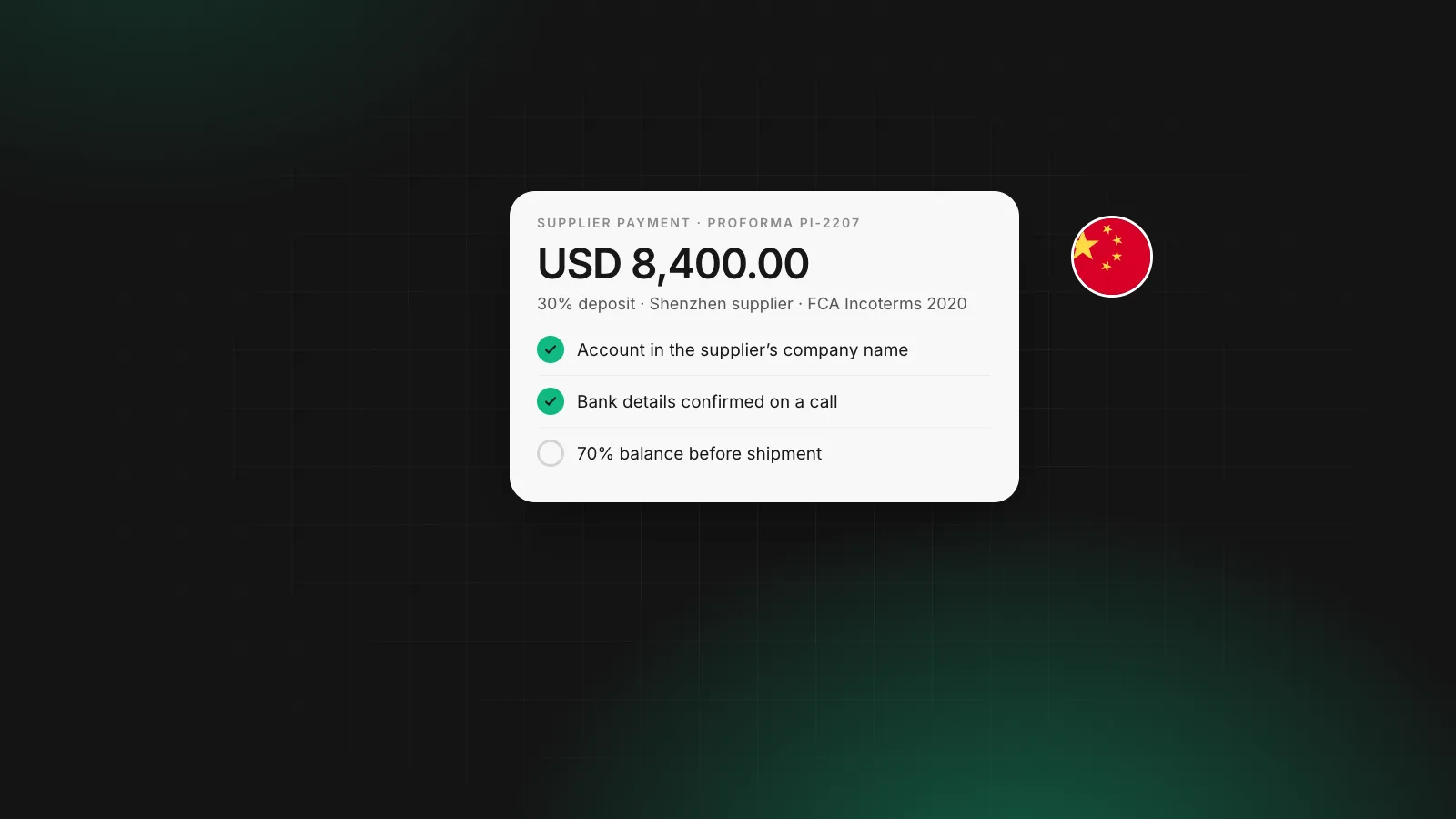
Call back on a known number. Every bank-detail change gets a phone call to a number from your existing records, never one from the email. This single rule stops most cases.
Two people for new payees. One person enters a new or changed payee, a second approves it. Keep the approver out of the email thread.
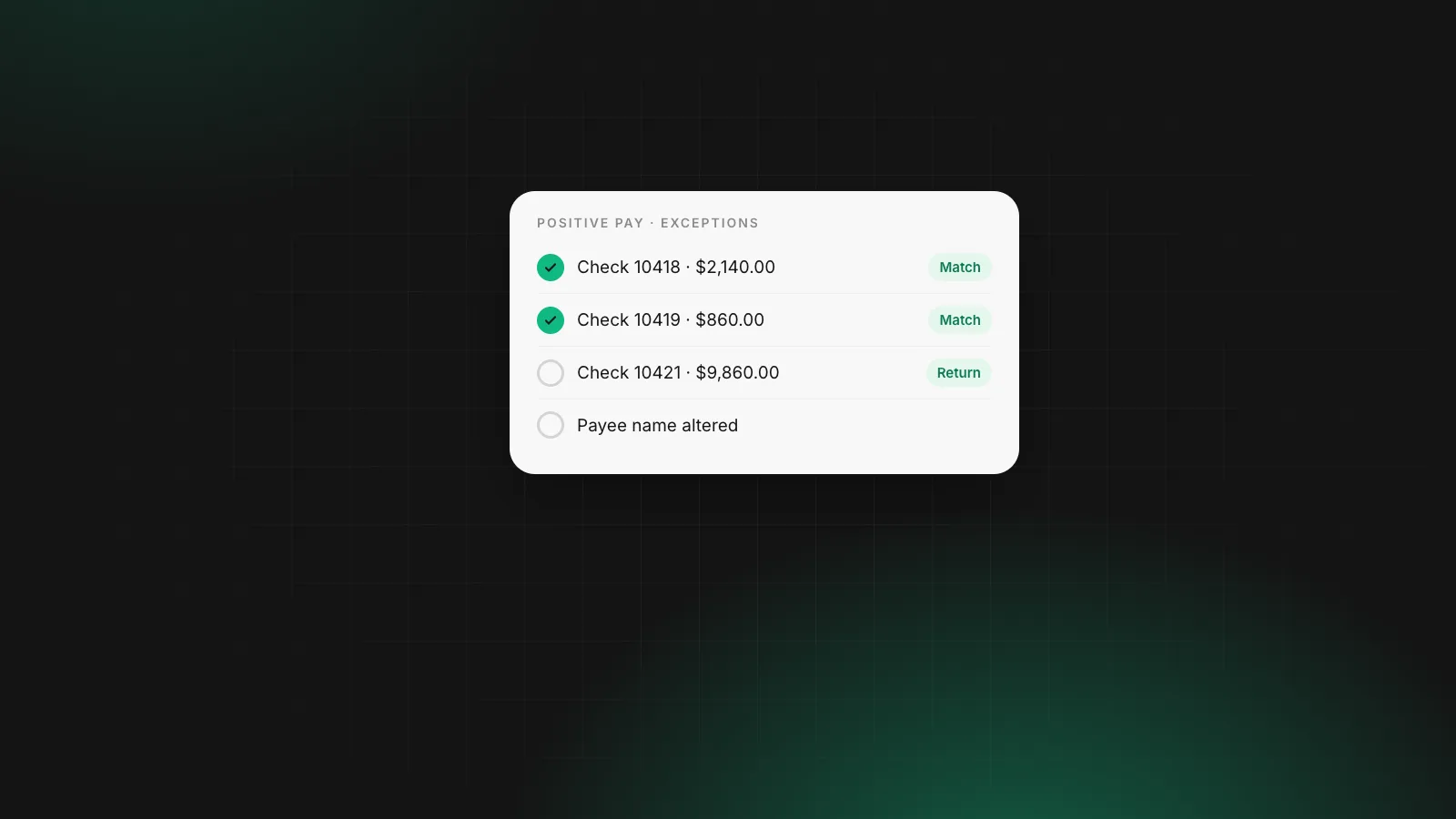
Name checks. Where the payment system offers Confirmation of Payee or Verification of Payee, treat a no-match result as a stop. See how Verification of Payee works.
Test payments. Send a small amount to new details and have the supplier confirm it by phone before the full payment.
Remittance advice. Send a remittance advice to your known contact after each payment, so a missing payment is noticed fast. The remittance advice guide shows a template.
If it happens
Call your bank at once and ask for a recall. In the US, report to IC3 at ic3.gov; in the UK, to Action Fraud. Speed matters more than anything else. Then check how the fraudster got the information, starting with the supplier's email and your own.
Payment controls on Rivet
Rivet keeps a recipient book, so a payee's details are saved once and a changed account stands out. Every payout is priced and approved with your PIN before it is sent. See Payouts.
Questions people ask
What is business email compromise?
A fraud in which criminals take over or imitate a business email account, then use it to redirect payments. The classic version is a fake supplier email announcing new bank details just before an invoice is due.
How do I verify a supplier's new bank details?
Call the supplier on a phone number you already had on file, not one from the email or the invoice. Ask a named contact to confirm the new account number. Then send a small test payment and have them confirm receipt.
Can I get money back after paying a fraudster?
Sometimes, if you act within hours. Call your bank immediately and ask it to recall the payment. In the US, also report to the FBI's IC3, which can work with banks to freeze funds. The chance falls fast once the money has moved on.
Do payee name checks stop invoice fraud?
They help. Confirmation of Payee in the UK and Verification of Payee in the euro area warn when the account name does not match. Fraudsters sometimes open accounts in names close to the real supplier, so treat a close match with care.
Sources
William covers what happens once a company starts moving money: getting the business verified, paying contractors and suppliers abroad, and keeping card spend under control. William writes for the founder or finance lead who has to make it work this week, and links every rule cited to the text it comes from.
More from William Sunjo M. →This article is general information, not legal, tax or financial advice. Rules and fees change; check the sources above and the provider’s current terms before you act on them.
- invoice fraud
- business email compromise
- payment fraud
- bank detail change scam
- vendor fraud