Google Ads payment methods: automatic, manual and monthly invoicing
Google Ads lets you pay before or after your ads run, and the options depend on your country and currency. Here is how to choose, and what to do when a payment fails.
- Published
- Reading time
- 2 min read
Google Ads billing looks simple until a card is declined on a busy day, or the payment options you need are not offered in your country. "Google ads payment methods pakistan" and "google ads payment methods india" are searched for that reason.
The three payment settings
| Setting | How it works | Fits |
|---|---|---|
| Automatic payments | Ads run first; Google charges at a threshold or every 30 days | Most advertisers with a card |
| Manual payments | You prepay; ads spend the balance | Tight budget control; markets where automatic is unavailable |
| Monthly invoicing | Google extends credit and invoices monthly | Larger, established advertisers who qualify |
The settings and methods available depend on your billing country and currency, and the billing country and currency usually cannot be changed on an existing account. Choose them carefully when you create it.
Payment methods
Cards are accepted in most countries. Depending on country and currency, you may also see bank transfer, direct debit or local payment options. Google lists what is available when you set up billing.
Verification
Google may ask advertisers to complete verification, confirming the business's identity and, for payments, the payment method. Use the company's legal name and details that match the card and the business documents.
When a payment is declined
Google's help pages are clear: the bank or card issuer declines the payment, not Google. To fix it:
- Open Billing and check the decline reason, if one is listed.
- Ask the card issuer why it was declined: balance, limits, foreign or online blocks.
- Fix the card, then retry from Payment methods, or switch to another method.
- Add a backup payment method so the next decline does not stop your ads.
Ads may stop until the payment goes through, although some accounts get a short grace period.
A setup that keeps ads running
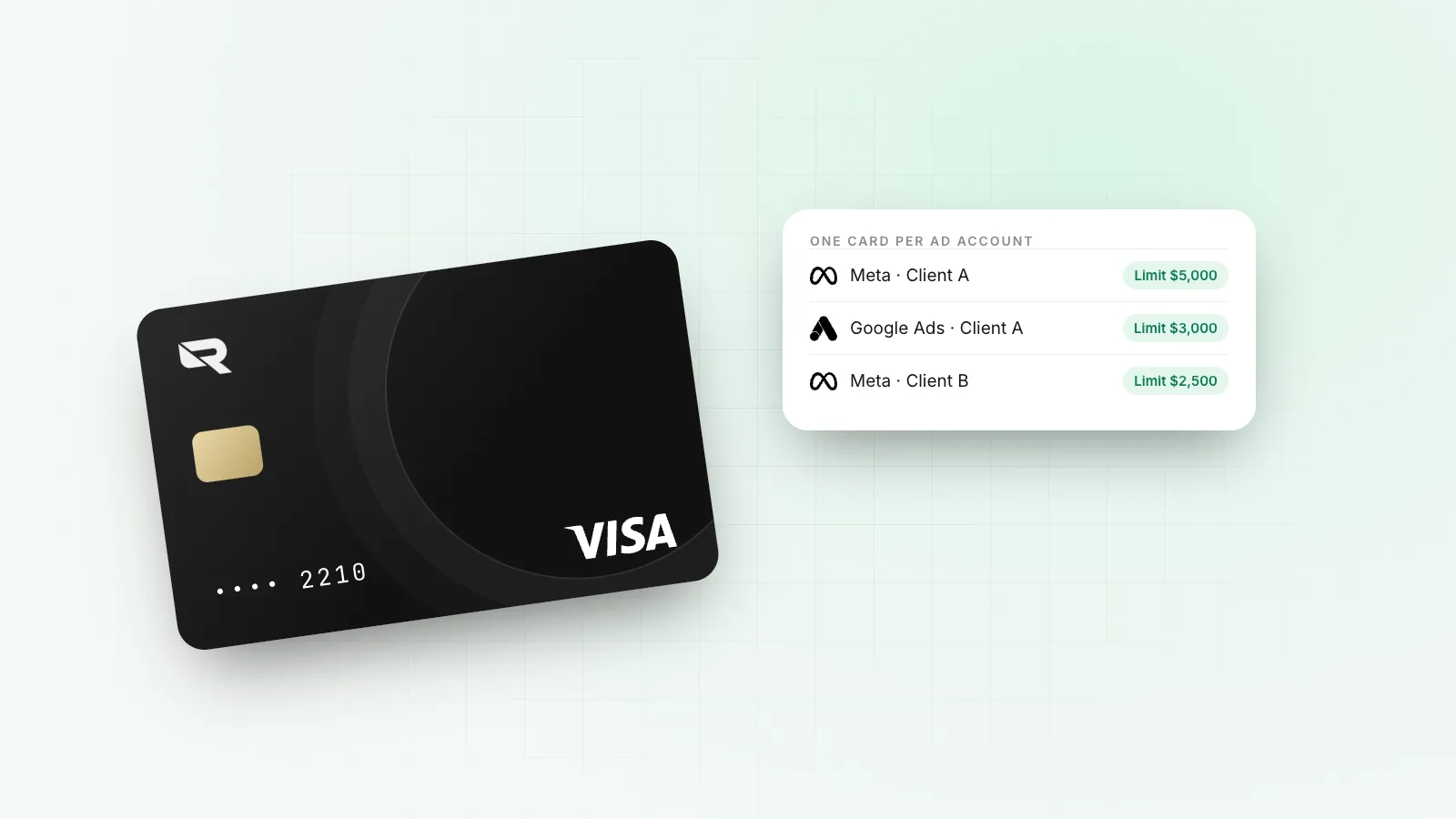
- One card per Google Ads account, with a limit above the payment threshold.
- A balance that covers the next threshold as well as today's spend.
- Billing currency that matches the card's currency, so no conversion on each charge.
- A backup card from a different issuer.
The Facebook ads payment methods guide covers Meta, and virtual cards for ad spend covers agencies running many accounts.
On Rivet
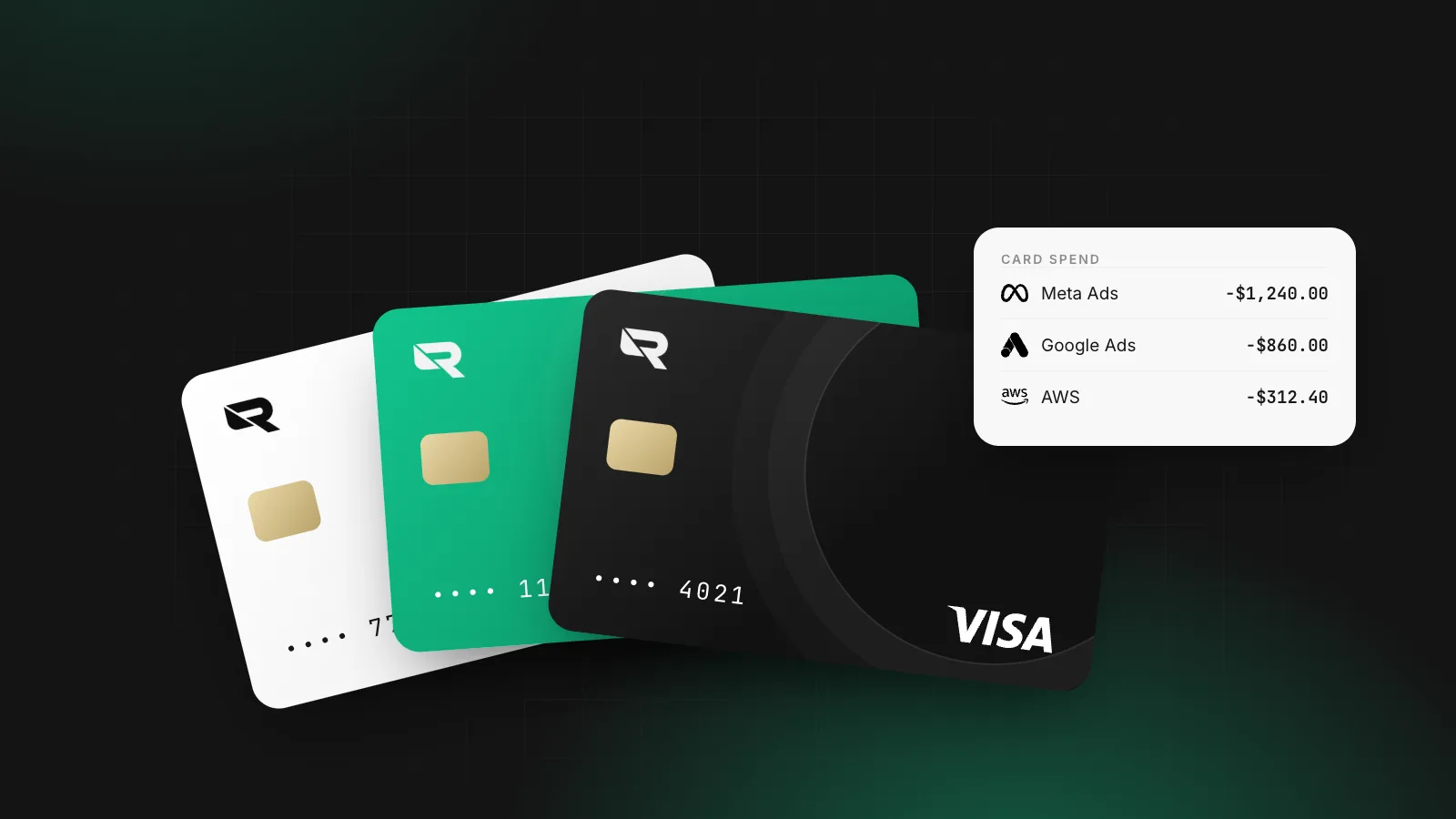
Rivet's unlimited digital cards spend from your company's USD balance, with a limit on each. Issue one per ad account and keep a second as a backup method. See Cards.
Questions people ask
What payment methods does Google Ads accept?
Credit and debit cards in most countries, plus bank transfers, direct debit and local options depending on the billing country and currency. Google shows the available methods when you set up billing.
What is the difference between automatic and manual payments in Google Ads?
With automatic payments, Google charges you after your ads run, at a payment threshold or every 30 days. With manual payments, you add money first and your ads spend it down. Monthly invoicing, for qualifying businesses, bills you on credit.
Why was my Google Ads payment declined?
Google's help pages say the card company or bank declined it. Common causes are insufficient balance, card limits, blocks on foreign or online transactions, or expired details. Fix it in Billing, then retry the payment.
Which Google Ads payment methods work in Pakistan or India?
Options vary by country and currency, and are shown when you set up the account. International cards that allow foreign online transactions are commonly used. Check Google's payment options page for your country before creating the account, since the billing currency is fixed.
Sources
William covers what happens once a company starts moving money: getting the business verified, paying contractors and suppliers abroad, and keeping card spend under control. William writes for the founder or finance lead who has to make it work this week, and links every rule cited to the text it comes from.
More from William Sunjo M. →This article is general information, not legal, tax or financial advice. Rules and fees change; check the sources above and the provider’s current terms before you act on them.
- google ads payment methods
- google ads payment methods pakistan
- google ads payment methods india
- google ads declined payment
- payment verification