Making Tax Digital for Income Tax: who is in, and what changes
Since 6 April 2026, sole traders and landlords with more than £50,000 of qualifying income keep digital records and send HMRC a summary every quarter. The threshold falls to £30,000 in 2027 and £20,000 in 2028.
- Published
- Updated
- Reading time
- 4 min read
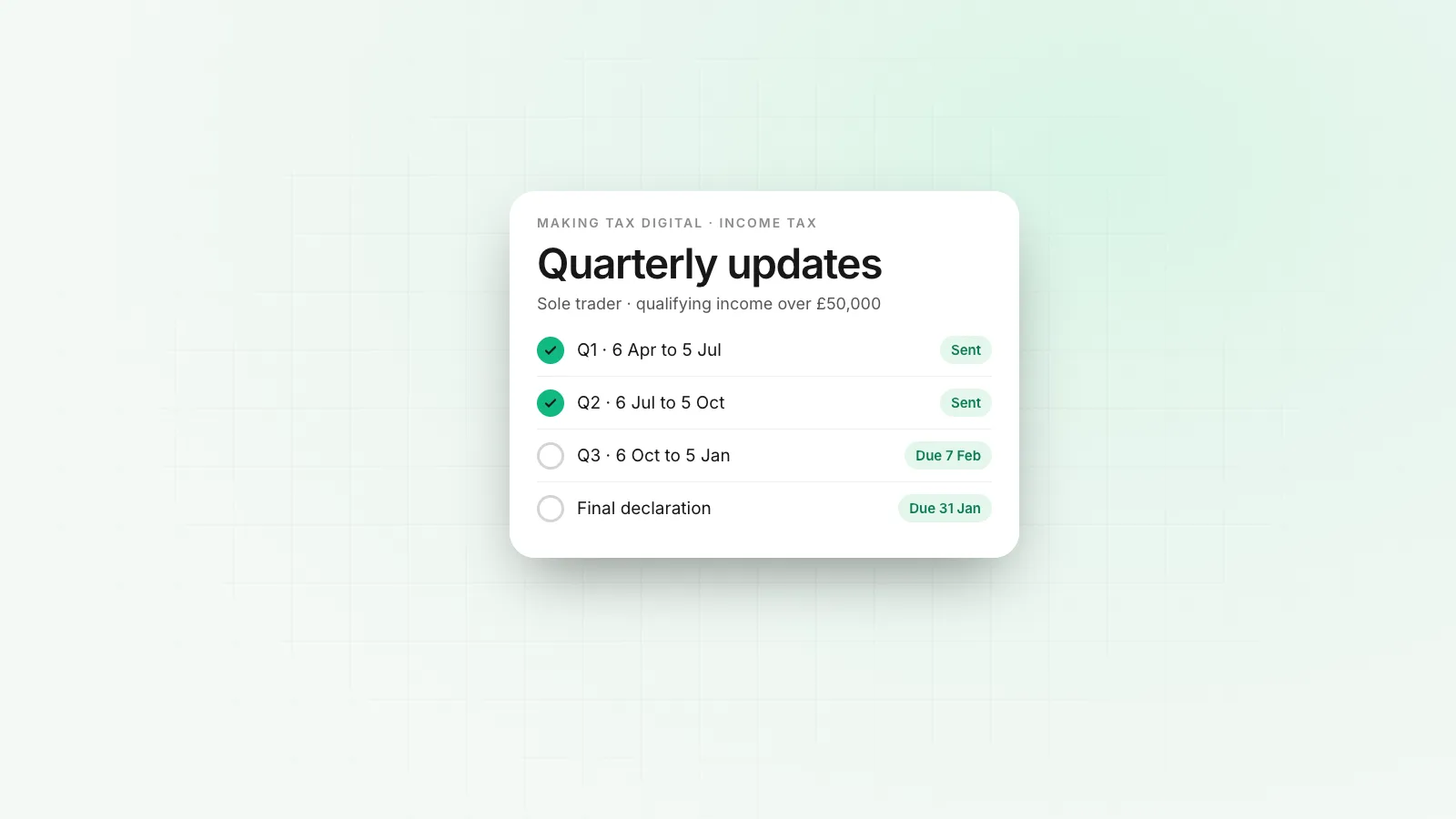
Making Tax Digital for Income Tax (MTD for IT) went live on 6 April 2026. If you are a sole trader or landlord with more than £50,000 of qualifying income, you no longer send HMRC a single Self Assessment return once a year. You keep your records in software, send a short summary every quarter, and finish the year with a final declaration.
Who has to use Making Tax Digital for Income Tax?
You are in scope if you are an individual registered for Self Assessment with income from self-employment, property, or both, and that qualifying income is above the threshold for your start year. HMRC looks at an earlier tax return to decide, so the 2026/27 group was set by income on the 2024/25 return.
| From | Qualifying income over | Based on the return for |
|---|---|---|
| 6 April 2026 | £50,000 | 2024/25 |
| 6 April 2027 | £30,000 | 2025/26 |
| 6 April 2028 | £20,000 | 2026/27 |
HMRC estimated before launch that around 780,000 people would join in the first year and roughly another 970,000 in 2027.
Limited companies are not in MTD for Income Tax, because a company is not taxed through Self Assessment. Partnerships are also outside it for now.
What counts as qualifying income?
Qualifying income is your gross income from self-employment plus your gross income from UK and overseas property, before any expenses. Employment income, pensions, dividends and savings interest do not count towards the threshold, though they still go on your final declaration.
Two people with the same profit can land on different sides of the line. A consultant with £52,000 of fees and £4,000 of costs is in. A reseller with £48,000 of sales and a tiny margin is not, until the threshold drops in 2027.
What do you have to send, and when?
You send four quarterly updates and one final declaration. A quarterly update is a summary of income and expenses by category for the period, not a tax calculation, and it does not change what you owe until the year end.
| Quarter | Covers | Update due |
|---|---|---|
| 1 | 6 April to 5 July | 7 August |
| 2 | 6 July to 5 October | 7 November |
| 3 | 6 October to 5 January | 7 February |
| 4 | 6 January to 5 April | 7 May |
The final declaration replaces the old Self Assessment return and is due by 31 January after the tax year ends. Payment dates do not move: the balancing payment and the first payment on account are still due on 31 January, and the second payment on account on 31 July.
You can choose calendar quarters (1 April to 30 June and so on) in your software if that lines up better with your bookkeeping. The submission deadlines stay the same.
What software do you need?
You need software that HMRC lists as compatible with MTD for Income Tax. There are two kinds:
- Full bookkeeping software that keeps the records and submits the updates.
- Bridging software that reads a spreadsheet you already keep and sends the summary to HMRC.
Both are allowed. The rule is that records are kept digitally and the numbers move from your records to HMRC through software, without retyping them in between.
What happens if you miss a deadline?
MTD for Income Tax uses points-based penalties for late submissions. Each missed deadline adds a point, and a financial penalty applies once you reach the threshold for your submission frequency. Late payment penalties and interest are separate and work as they always have.
HMRC has said it will be lenient on late quarterly updates in the first year while people adjust. Do not rely on that for the final declaration or for paying what you owe.
Does a business bank account help?
HMRC does not require a sole trader to have a separate business account. In practice, MTD makes one worth having. Most compatible software connects to a bank feed, and a feed that holds only business income and costs is quicker to categorise than one mixed with groceries and rent.
If you are thinking about the account question at the same time, our guide to whether sole traders need a business bank account covers it. Some people use the MTD change as the moment to look at sole trader vs limited company as well, since a company sits outside MTD for Income Tax and pays Corporation Tax instead.
What should you do now?
- Check your qualifying income on your last return against the table above.
- Pick compatible software and connect your bank account to it.
- Sign up for MTD for Income Tax through GOV.UK, or ask your accountant to do it as your agent.
- Put the four update dates and 31 January in your calendar.
Rivet opens accounts for registered companies, not sole traders, so it does not help with MTD for Income Tax directly. If you incorporate and the company earns in USD, EUR or GBP, our business accounts hold those currencies in the company's own name.
Questions people ask
Does Making Tax Digital apply to limited companies?
Not MTD for Income Tax. A limited company pays Corporation Tax and files a company tax return. If the company is VAT registered, it already keeps digital VAT records under MTD for VAT.
Is the £50,000 threshold based on profit or turnover?
Gross income. HMRC adds your self-employment turnover and your gross property income before expenses. A sole trader with £60,000 of sales and £25,000 of costs is in scope.
Can I still use a spreadsheet?
Yes, if you link it to HMRC with bridging software that is MTD compatible. The records have to be digital and the submission has to go through software HMRC recognises.
Do I need a separate business bank account for MTD?
HMRC does not require one for a sole trader. A separate account makes the quarterly records much easier, because most MTD software pulls transactions from a bank feed.
Sources
William covers what happens once a company starts moving money: getting the business verified, paying contractors and suppliers abroad, and keeping card spend under control. William writes for the founder or finance lead who has to make it work this week, and links every rule cited to the text it comes from.
More from William Sunjo M. →This article is general information, not legal, tax or financial advice. Rules and fees change; check the sources above and the provider’s current terms before you act on them.
- making tax digital
- mtd income tax
- sole trader
- self assessment
- hmrc
- uk