Paying international contractors with Gusto or QuickBooks, and where a business account fits
Gusto and QuickBooks were built for US payroll. Both can reach some contractors abroad, with limits. Here is what each does and where the gaps are.
- Published
- Updated
- Reading time
- 2 min read

A US company that runs payroll in Gusto or books in QuickBooks usually tries those tools first when it hires a designer in Lisbon or a developer in Lagos. Both can help. Both were built around US payroll, and the limits show once the overseas team grows.
Can Gusto pay international contractors?
Yes. Gusto lets you add contractors based outside the US and pay them in local currency in a long list of countries, from the same place you run US payroll. Gusto publishes the countries and the fee per payment on its help and pricing pages. The fees are worth reading closely, because a fixed fee per payment matters more on small invoices.
What it suits: a mostly US team with a handful of contractors abroad, paid monthly.
Can QuickBooks pay international contractors?
QuickBooks Online's built-in contractor payments are set up for US contractors with US addresses and tax IDs. For international vendors, Intuit offers payments through QuickBooks Bill Pay in some countries and currencies, and points businesses to third-party apps that connect to QuickBooks.
What it suits: companies that already pay bills in QuickBooks and send a few international payments a month.
The tax forms, whichever tool you use
| Contractor | Form to collect | Do you file a 1099-NEC? |
|---|---|---|
| US person | W-9 | Yes, above the IRS threshold for the year (600 USD for 2025 payments, raised to 2,000 USD for payments from 2026) |
| Non-US individual working outside the US | W-8BEN | No |
| Non-US company | W-8BEN-E | No |
Keep the form on file before the first payment. The IRS can ask why you did not withhold, and the W-8 is your answer.
When a business account is simpler
Payroll tools price and design for a US team with a few people abroad. When the balance flips, and most of your contractors are outside the US, three things start to cost you:
- Fees per payment that make small invoices expensive.
- A narrower set of payout currencies or countries than you need.
- Payments converted at a rate you cannot see before sending.
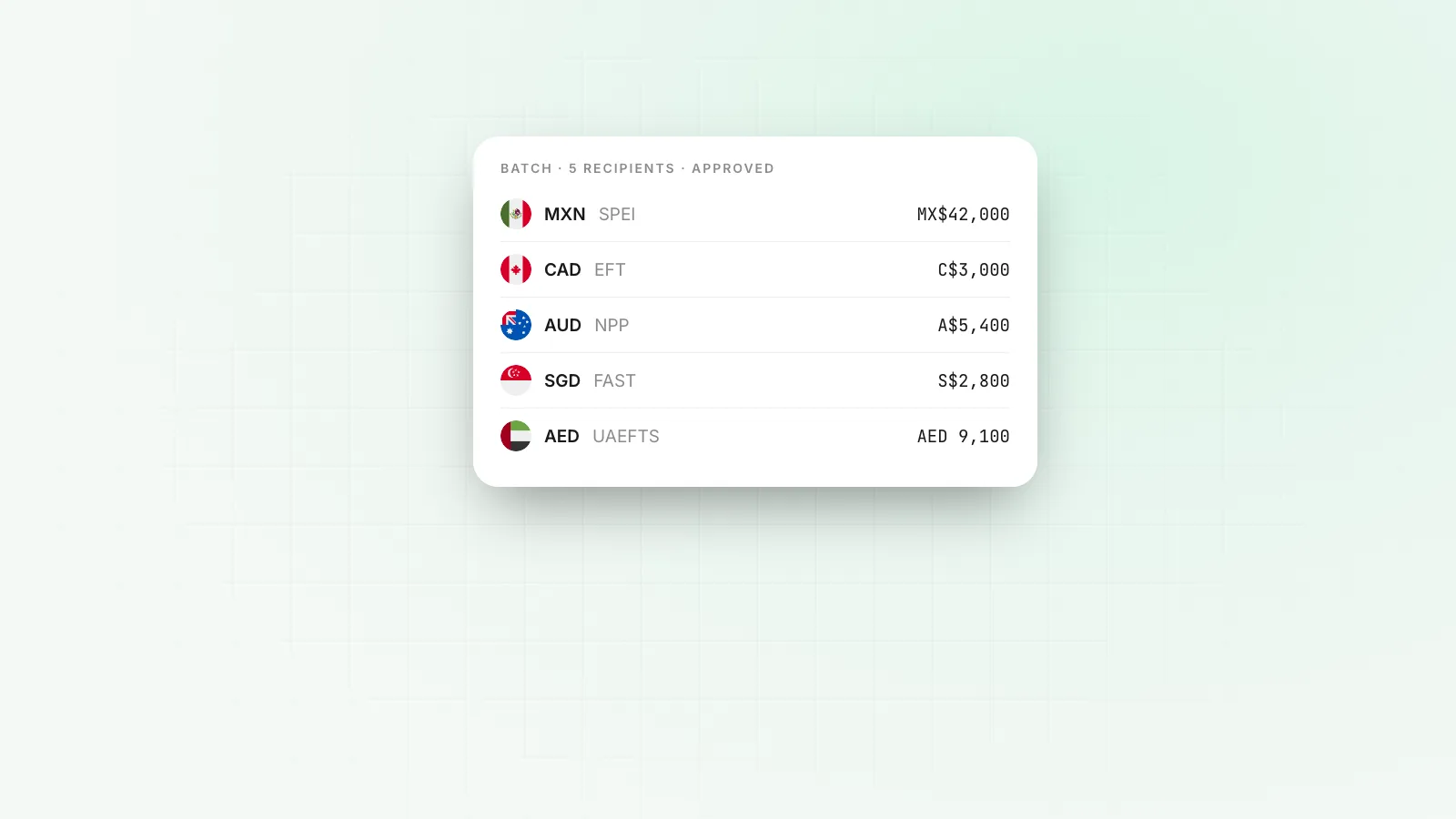
Bulk payouts from a business account handle that case differently. You upload one file, each contractor is paid in their own currency on their local rail, and the cost of every leg is shown before you confirm. The international contractors guide walks through the process end to end.
Using both
Many teams keep Gusto for US employees and pay overseas contractors from a business account, then sync both to their accounting software. On Rivet, bulk payouts reach 120+ countries on local rails, or on-chain in USDC or USDT where there is no local rail. See Payouts.
Questions people ask
Can Gusto pay international contractors?
Yes. Gusto supports paying contractors outside the US in a long list of countries, in local currency, from your Gusto account. Fees and the country list are on Gusto's help and pricing pages. You still collect a W-8BEN from each foreign contractor.
Can QuickBooks pay international contractors?
Not through the standard QuickBooks contractor payments, which expect US addresses and tax IDs. Intuit offers international payments through QuickBooks Bill Pay for some countries and currencies, and many businesses connect a third-party payments app instead.
Do I send a 1099 to an international contractor?
Not normally. A 1099-NEC is for US persons. For a non-US individual who performs the work outside the US, collect a Form W-8BEN and keep it on file. A foreign company contractor gives a W-8BEN-E. Ask your accountant about edge cases, such as work done in the US.
What is the best way to pay contractors in many countries?
Pay each contractor in their own currency on their country's local rail, in one monthly batch, so no intermediary bank takes a fee. A business account with bulk payouts can do this from one file, and you see the cost of each leg before you send.
Sources
William covers what happens once a company starts moving money: getting the business verified, paying contractors and suppliers abroad, and keeping card spend under control. William writes for the founder or finance lead who has to make it work this week, and links every rule cited to the text it comes from.
More from William Sunjo M. →This article is general information, not legal, tax or financial advice. Rules and fees change; check the sources above and the provider’s current terms before you act on them.
- can gusto pay international contractors
- quickbooks international contractors
- how to pay contractors in gusto
- w-8ben
- contractor payouts